How to choose a school management system: a 12-point checklist
Most schools choose school management software after watching three demos that look the same. The differences show up later, in the office, in the first fee week. This checklist puts the hard questions before the contract instead of after it.
Start with your own school, not the feature list
Write down the ten jobs that take the most office time in a month. Fee collection and follow-up, attendance, report cards, transfer certificates and notices are on most lists. Score each product against those jobs first. A long feature list tells you what a product can do. Your list tells you what it must do.
The 12 points
- Board fit. Report cards and exam rules in your board's format, without custom work.
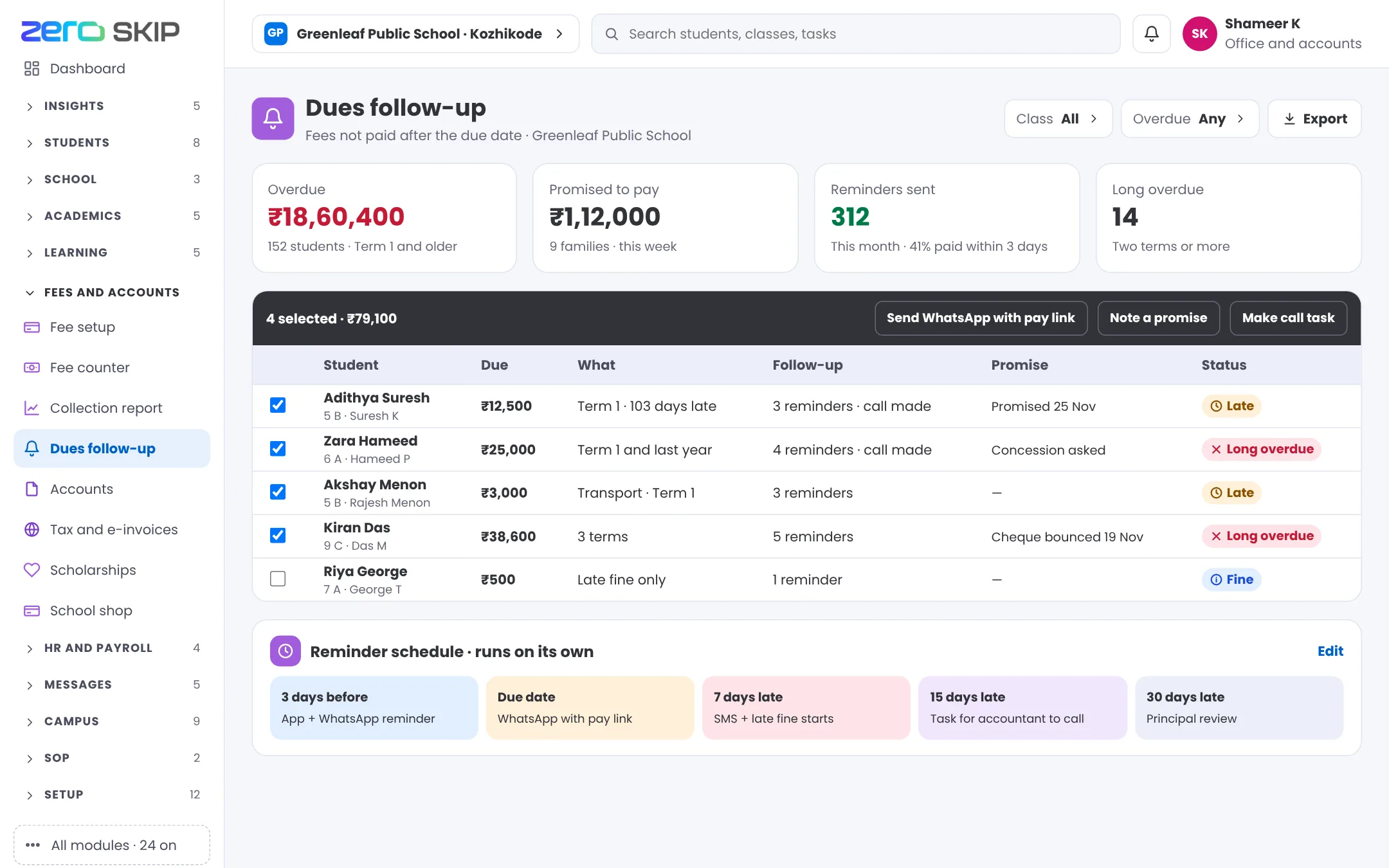
- Fees. Plans, concessions, fines, receipts and dues follow-up in one place.
- Accounts. Does a receipt reach the day book on its own, or does someone key it again?
- Parent app. One app for attendance, fees, notices and report cards. Try it on an ordinary phone.
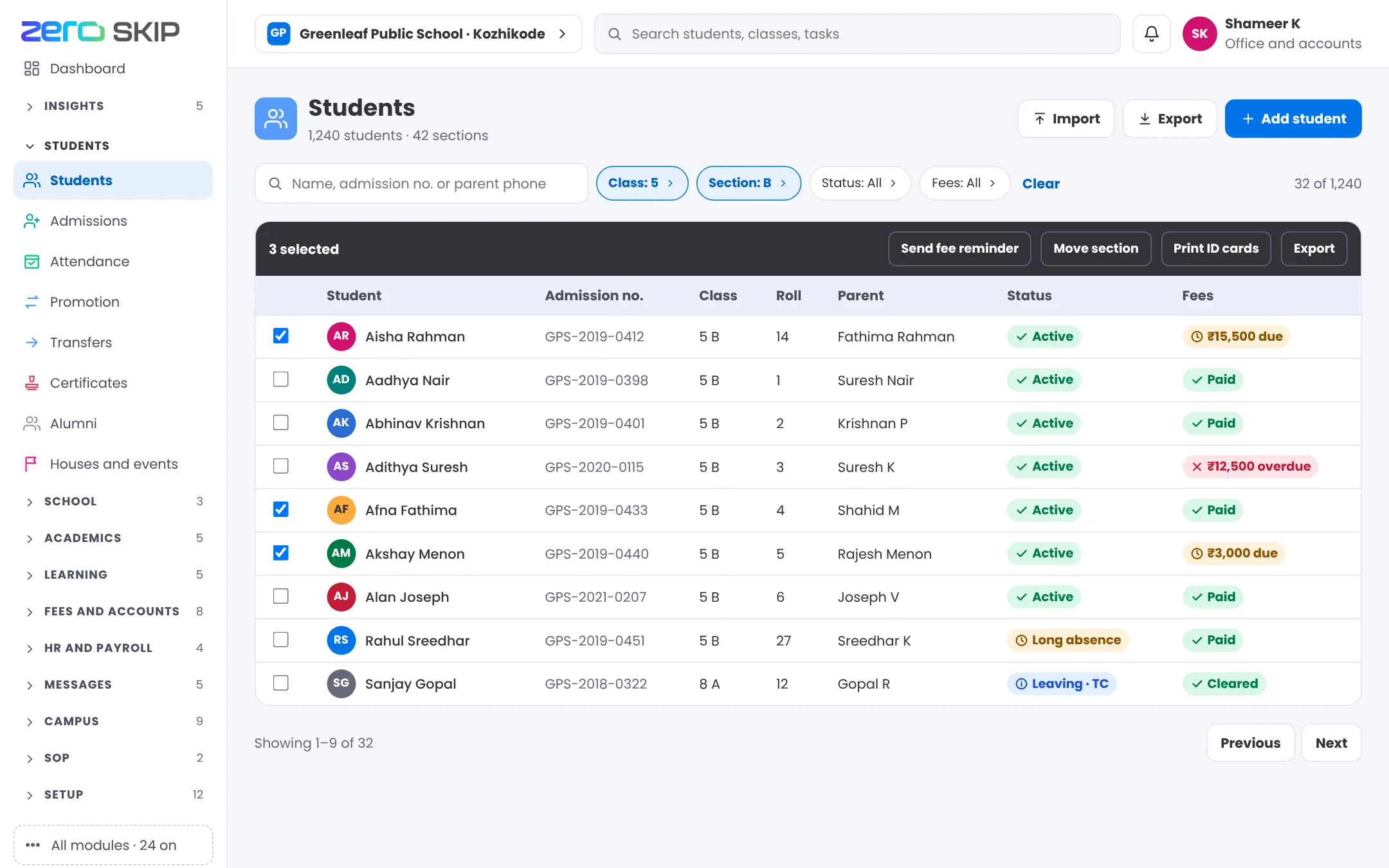
- Teacher workload. Count the taps to mark attendance for one class.
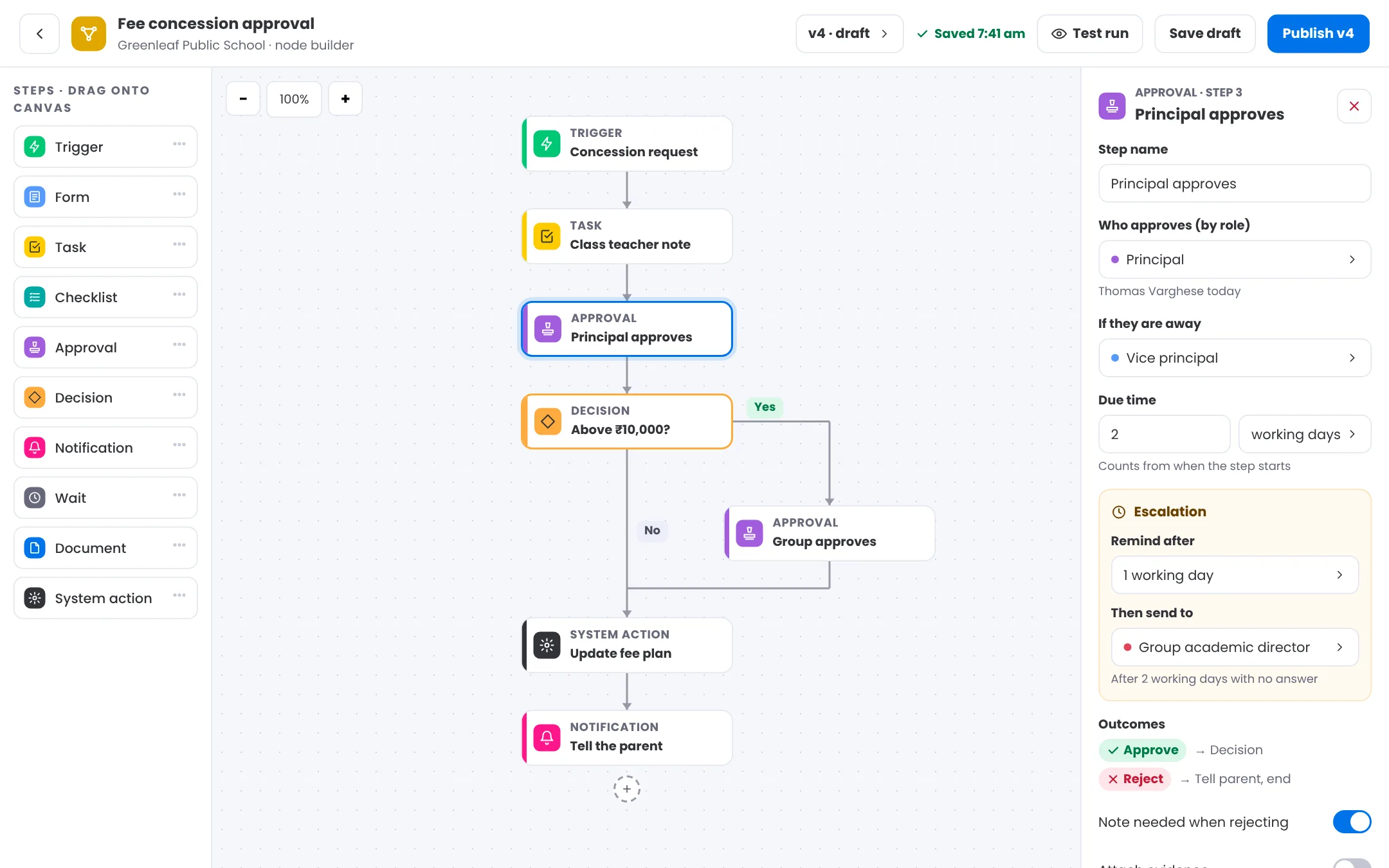
- Procedures. Can the system track your own steps, such as a fee concession approval, with an owner and a due time?
- Roles. Who can see fees? Who can change marks? Ask to see the permission screen.
- Data import. How do students, staff and opening balances come in, and who does the work?
- Hosting. Which country is your data kept in?
- Message costs. Are WhatsApp and SMS charges inside the price or billed by use?
- Pricing model. Per student, per module or per campus. Ask for the three-year cost, not the first-year cost.
- Exit. Can you export all your data in a usable format if you leave?
Four things to ask for in the demo
Ask the vendor to do these live, with no slides.
- Admit a student and collect the first fee.
- Mark a class absent and show what the parent sees.
- Give a fee concession and show who approved it.
- Publish one report card.
A simple way to score
Give each point 0, 1 or 2. Any product that scores 0 on fees, accounts or roles is out, whatever its total. Take the top two to a pilot with one class before you sign.