
School management software
Every module a school needs, on one sign-in
Zeroskip is school management software for the office, teachers, the principal and the group. Start with the launch modules. Switch on more as they are released.
All modules
School ERP software, module by module
Ten areas, one database. Each module is switched on for your school by the Zeroskip team, so your menu shows only what you use.
- At launchready on day one
- Next releasethe release after launch
- Roadmapplanned, dates to follow
Students
- Students and familiesAt launch
- AdmissionsAt launch
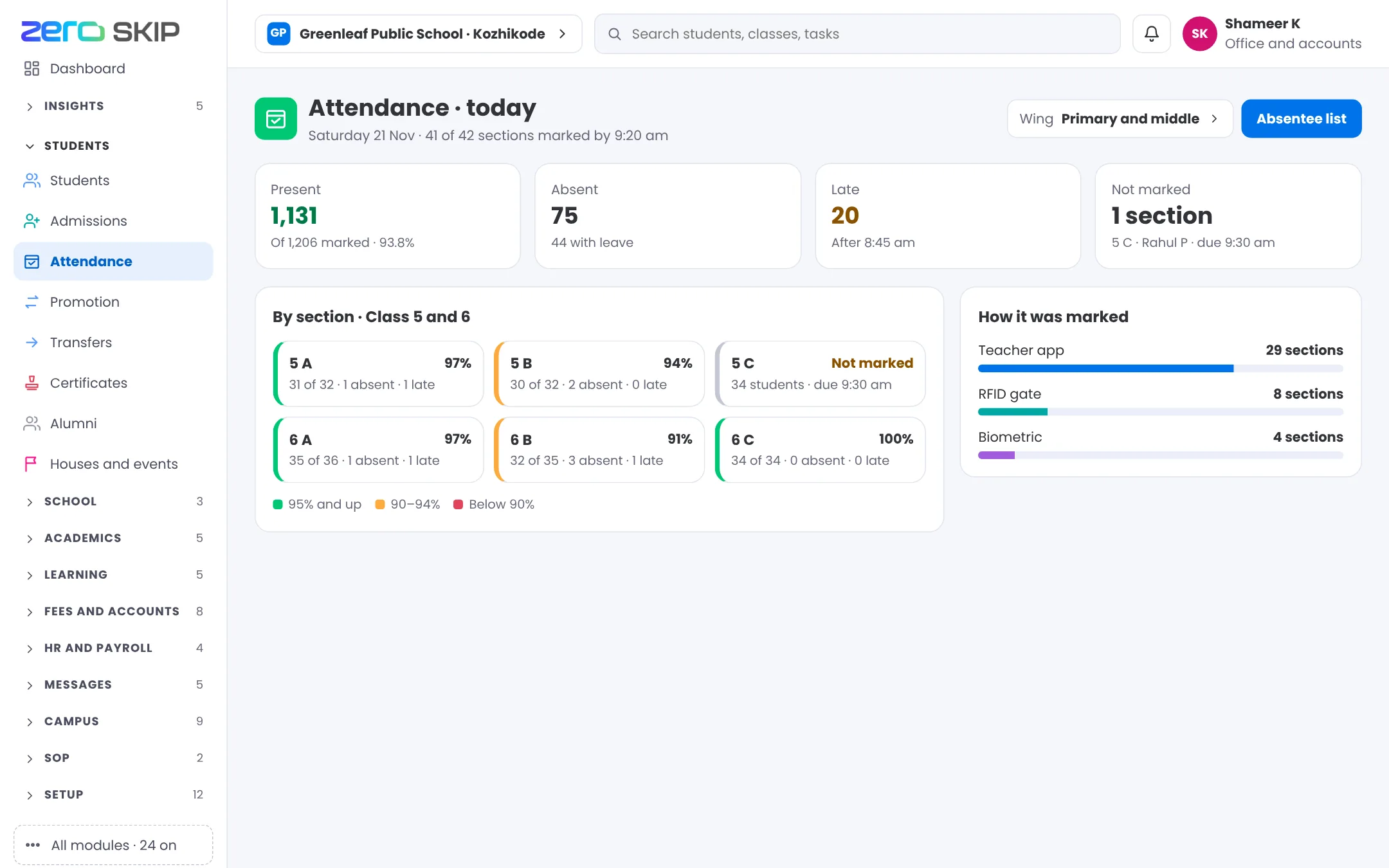
- AttendanceAt launch
- Class strengthAt launch
- Transfers and leavingAt launch
- CertificatesAt launch
- Promotion and year endNext release
- Houses and eventsNext release
Academics
- ExamsAt launch
- MarksAt launch
- Report cardsAt launch
- CalendarAt launch
- TimetableNext release
- ProgressNext release
- Lesson plansRoadmap
Learning
- HomeworkNext release
- Class diaryNext release
- Study materialsNext release
- CoursesNext release
Fees and accounts
- Fee setupAt launch
- Fee counterAt launch
- Collection reportAt launch
- Dues follow-upAt launch
- AccountsAt launch
- Tax and e-invoicesNext release
- ScholarshipsRoadmap
- School shopRoadmap
HR and payroll
- Staff recordsAt launch
- Staff leave and attendanceAt launch
- PayrollNext release
- RecruitmentRoadmap
- AppraisalRoadmap
Messages
- NoticesAt launch
- WhatsApp and SMSAt launch
- Forms and surveysAt launch
- ChatRoadmap
- MeetingsRoadmap
- HelpdeskRoadmap
SOPs and compliance
- SOP libraryAt launch
- Run monitorAt launch
- ComplianceAt launch
- Audit and privacyAt launch
- Government reportsNext release
Campus
- Front officeAt launch
- TransportRoadmap
- LibraryRoadmap
- InventoryRoadmap
- Health roomRoadmap
- HostelRoadmap
- CanteenRoadmap
Insights
- Dashboards by roleAt launch
- AI assistantNext release
- ReportsRoadmap
- Early warningRoadmap
- Ask your dataRoadmap
Setup and control
- Roles and permissionsAt launch
- Import dataAt launch
- Currency and formatsAt launch
- IntegrationsAt launch
- Group consoleAt launch
- Consolidated financeNext release
An example day
A school day on Zeroskip
The same day, seen from the classroom, the office and the principal's desk.
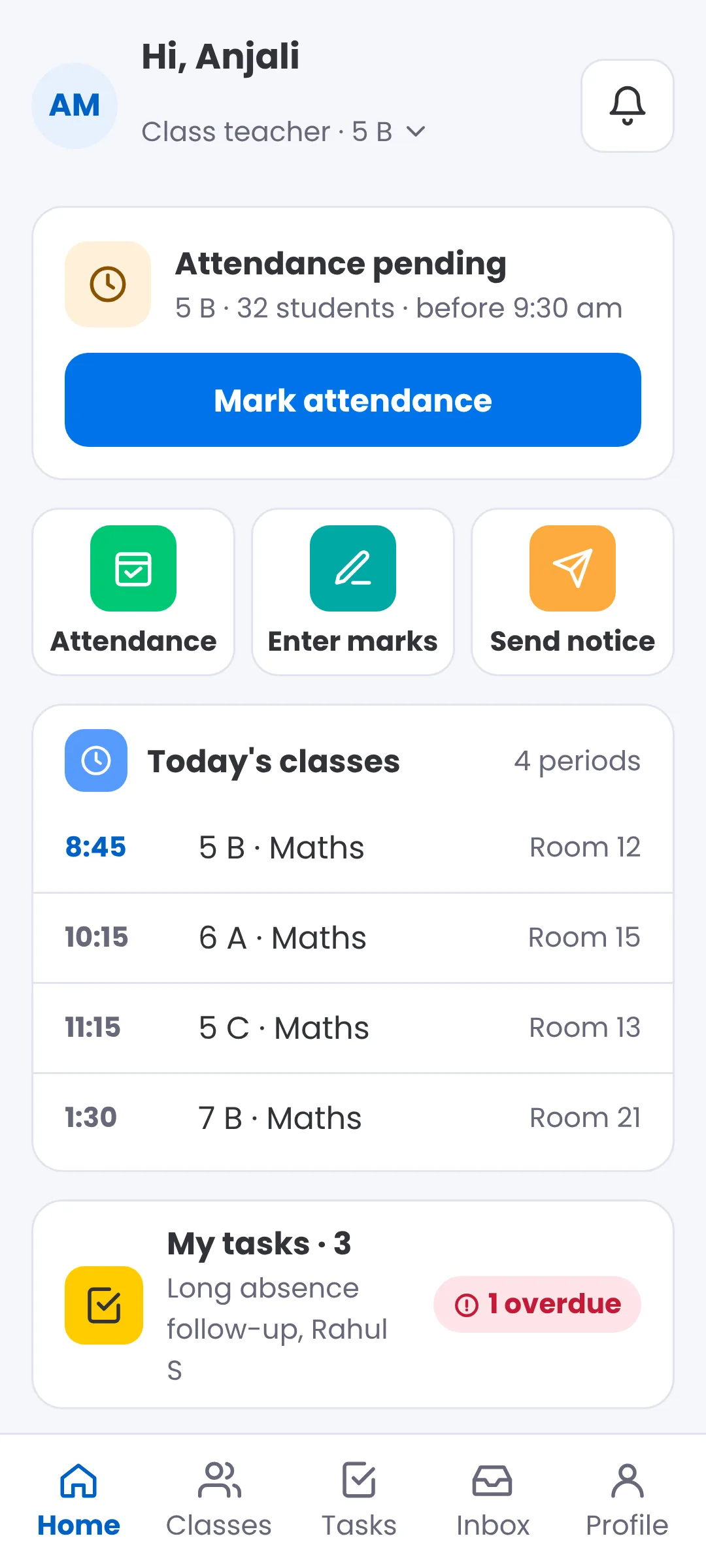
- 8:30 amAttendanceClass teachers mark attendance in the Staff app. Absent students show on the office list.
- 9:00 amAbsence messagesParents of absent students get a message in the Family app.
- 10:00 amFee counterThe office collects fees and gives receipts. Online payments post on their own.
- 11:30 amSOP stepA fee concession waits for the principal. It sits in the principal's task list with a due time.
- 1:00 pmNoticeA notice goes to Class 5 parents by app and WhatsApp.
- 3:30 pmMarksSubject teachers enter marks for the unit test.
- 4:15 pmDay bookThe accountant closes the day. Collections match the receipts.
- 5:00 pmPrincipal viewThe principal sees attendance, collection and late steps for the day.
Academics
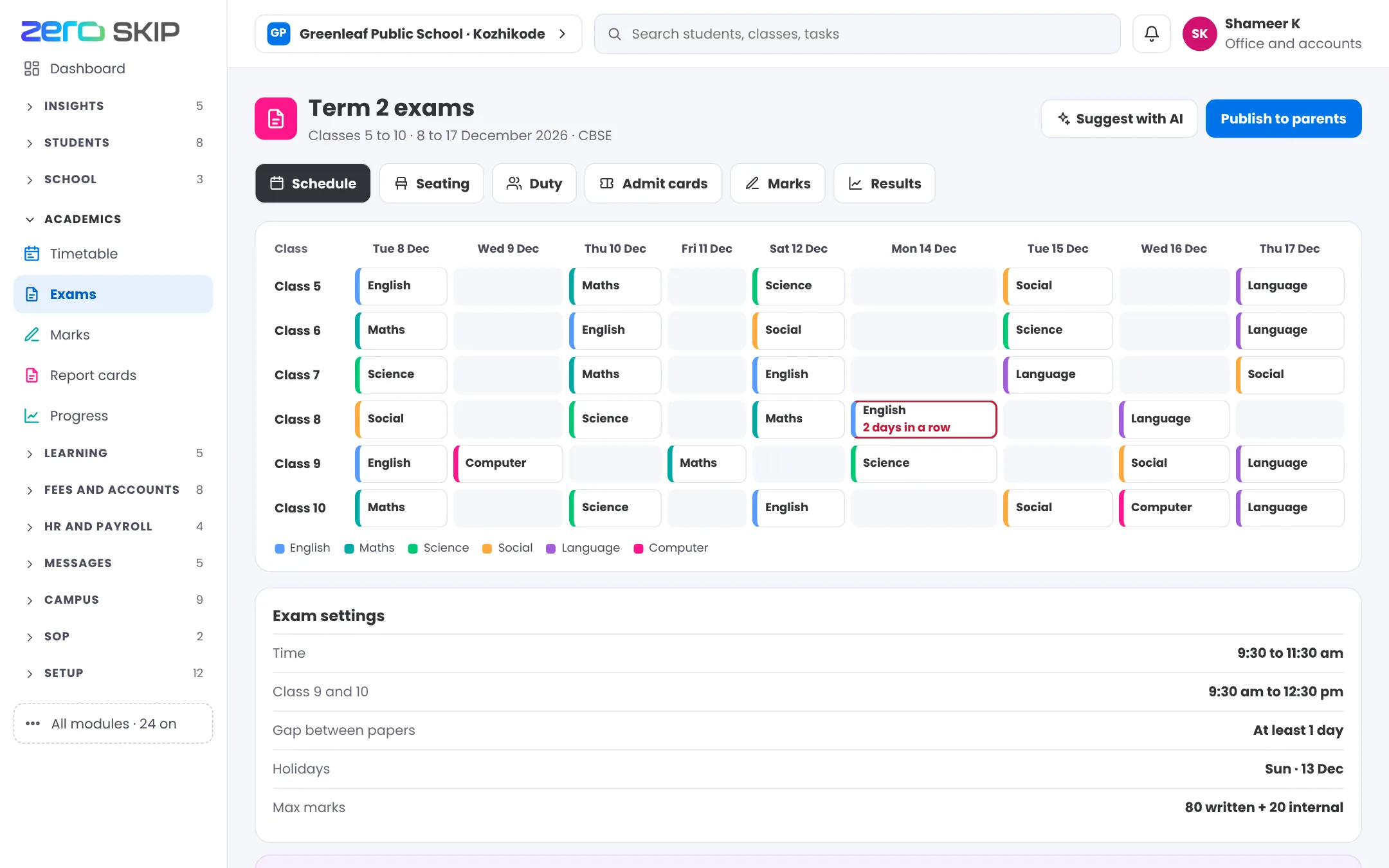
Exam schedules that reach every class and parent
Plan the exam once. Classes, subjects, rooms and dates flow to teachers and to the Family app.
- Schedules by class and subject
- Mark entry opens to the right teachers
- Report cards published from the same data
Messages
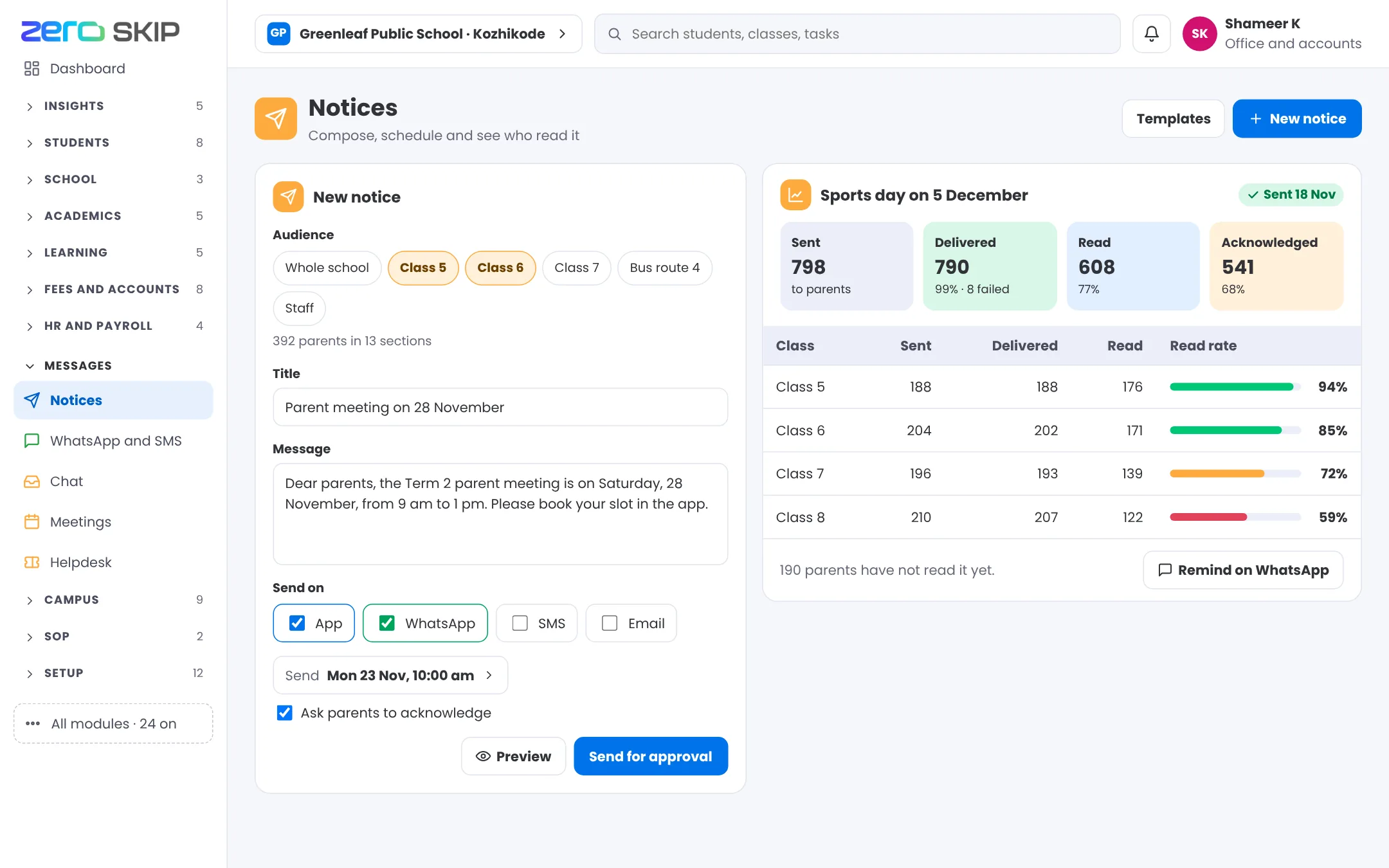
One notice, the right parents, three channels
Write a notice once and choose who gets it: a class, a bus route, a house or the whole school.
- App, WhatsApp and SMS from one screen
- See who has read it
- Forms and surveys for replies
Integrations
Works with what the school already uses
- Payment gateways
- WhatsApp and SMS
- Tally export
- Google Classroom
- Microsoft Teams
- Biometric and RFID devices
- UDISE+ export
- Power BI
- Google Sheets
What is available depends on your country pack and modules.
FAQ
Questions schools ask
What is the difference between school management software and school ERP software?
They are two names for the same thing. Schools that say ERP usually want fees, accounts, payroll and inventory inside. Zeroskip covers both meanings.
Can we start with a few modules?
Yes. Start with the core (students, attendance, notices) and fees. Other modules are switched on for you when you are ready.
How do roles and permissions work?
Each person signs in with a role such as office, accountant, teacher or principal. Roles decide which menus, students and amounts that person can see or change.

See Zeroskip with your own school in mind
Tell us about your school. We will show the modules you need, with your classes, your fee heads and one of your own procedures.
Or call [YOUR PHONE] · WhatsApp [YOUR WHATSAPP]